ERP Solutions
Explore live ERP solutions for retail, distribution, manufacturing, services and multi-company operations. Start with a ready-made system and customise it as your business grows.
ERP Overview
Live operational summary
Find the right ERP
Ready-made where speed matters. Configurable where your business is different. Implemented and supported by one accountable team.

Aurevia Retail ERP
Manage stores, stock, purchasing, sales, customers and finance from one connected system.

Aurevia Distribution ERP
Control procurement, warehouses, fulfilment, sales and invoicing at scale.

Aurevia Manufacturing ERP
Plan production, manage materials and connect procurement to delivery.

Aurevia Services ERP
Run projects, billing, timesheets, resources and customer delivery in one workspace.

Aurevia Real Estate ERP
Manage leads, listings, contracts, payments, properties and operational workflows.
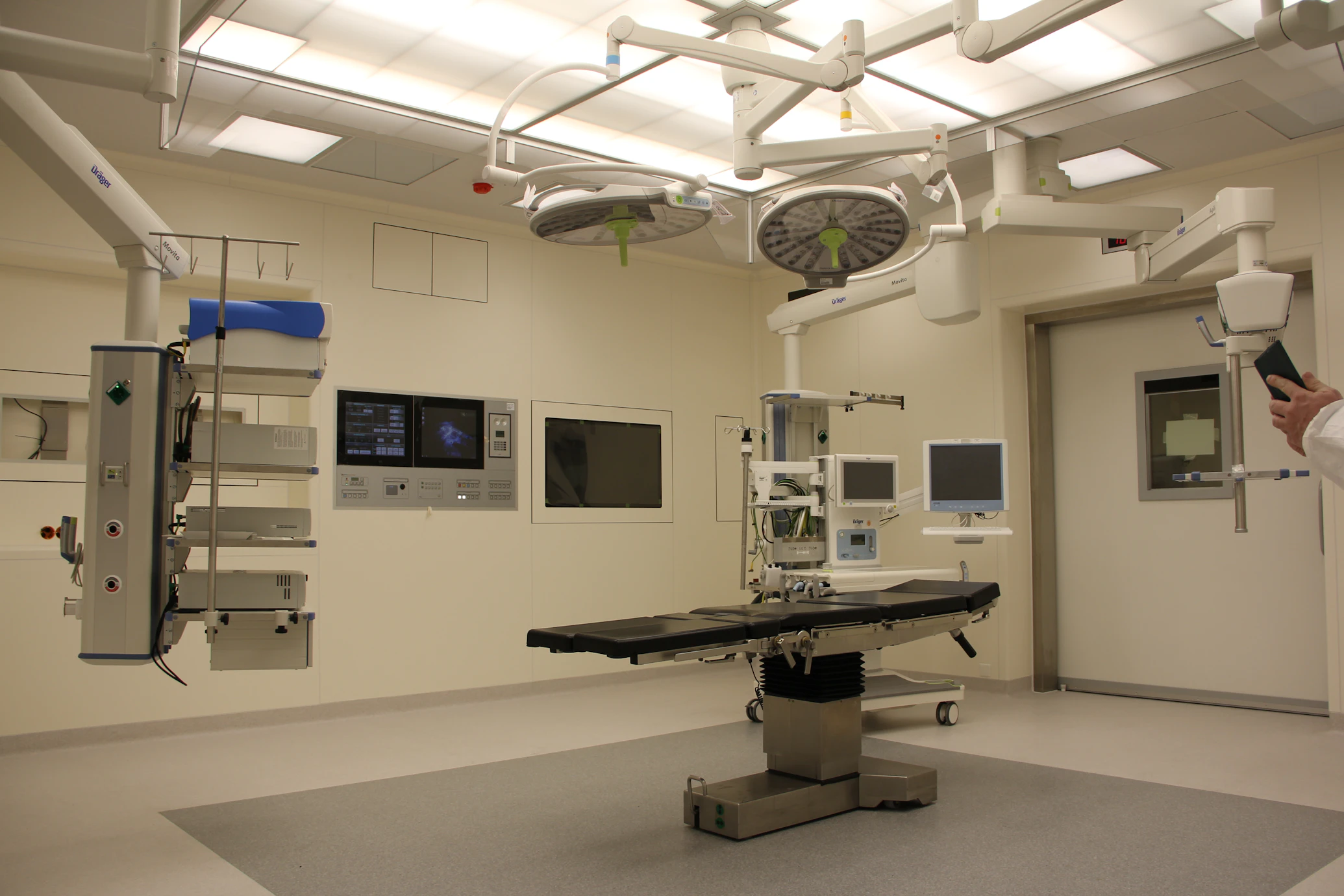
Aurevia Healthcare ERP
Coordinate administration, scheduling, records, billing, inventory and operational workflows.

Aurevia Education ERP
Manage admissions, campuses, students, staff, portals and financial operations.
Inside Aurevia Retail ERP
A powerful, ready-to-use ERP built for retail businesses. Manage multi-store operations, inventory, customers and finance from one connected platform.
What's inside
- Sales and POS
- Inventory Control
- Purchasing
- Customer CRM
- Accounting and Reports
- Multi-store Operations
Find the right ERP foundation
Compare the applications closest to your operating model, then configure modules, workflows and integrations around your organisation.
Every Aurevia ERP is expandable. The comparison shows the recommended starting configuration—not a permanent limitation.
Foundation Summary
Primary operational parameters and starting strengths.
Aurevia Retail ERP
Retailers, wholesalers and multi-location stores
- POS and sales
- Inventory visibility
- Customer and finance management
Aurevia Distribution ERP
Distributors and wholesale businesses
- Warehouse Management (WMS)
- High-volume procurement
- Automated fulfillment
Aurevia Manufacturing ERP
Manufacturers and production businesses
- Material Planning (MRP)
- BOM Management
- Shop Floor Control
Key differences at a glance
The criteria most businesses use to select their starting application.
Detailed capabilities
Strongest starting point for customer-facing sales, stores, inventory and multi-location retail operations.
Strongest starting point for purchasing, warehousing, fulfilment and wholesale order management.
Strongest starting point for material planning, production, quality and operational control.
Not sure which ERP should be your starting point?
Share your industry, locations, users and current systems. An Aurevia specialist will recommend the most suitable application foundation and required modules.
Why Aurevia ERP?
Ready-made foundation
Pre-built applications and best practices help businesses launch faster.
Customisable workflows
Adapt roles, screens, approval rules, reports and processes.
Country-specific compliance
Support local tax, currency, language, e-invoicing and regulatory requirements.
Integration-ready
Connect websites, payments, CRM, banks, messaging and other business platforms.
From selection to go-live
A structured approach to ensuring your business systems are implemented correctly.
Discovery
Understand goals, teams, processes and current systems.
Solution Selection
Select the most suitable ERP application and modules.
Configuration
Configure fields, workflows, permissions, reports and approvals.
Data Migration
Clean, migrate and validate important business data.
Training and Go-Live
Train users, test the system and launch with expert support.
Continuous Optimisation
Improve workflows, add modules and scale the platform.
Frequently Asked Questions
See how the right ERP would work inside your business.
Explore a live application, compare solutions or speak with an ERP specialist.